
Contacts a helper can see
Emergency contacts you add are visible to anyone who opens the tag link. This includes chosen names, numbers and notes. Share those details with your contacts’ permission.
FendTag Emergency Tag
Choose the people you would want someone to call. A tap or scan opens their contact details and call buttons.
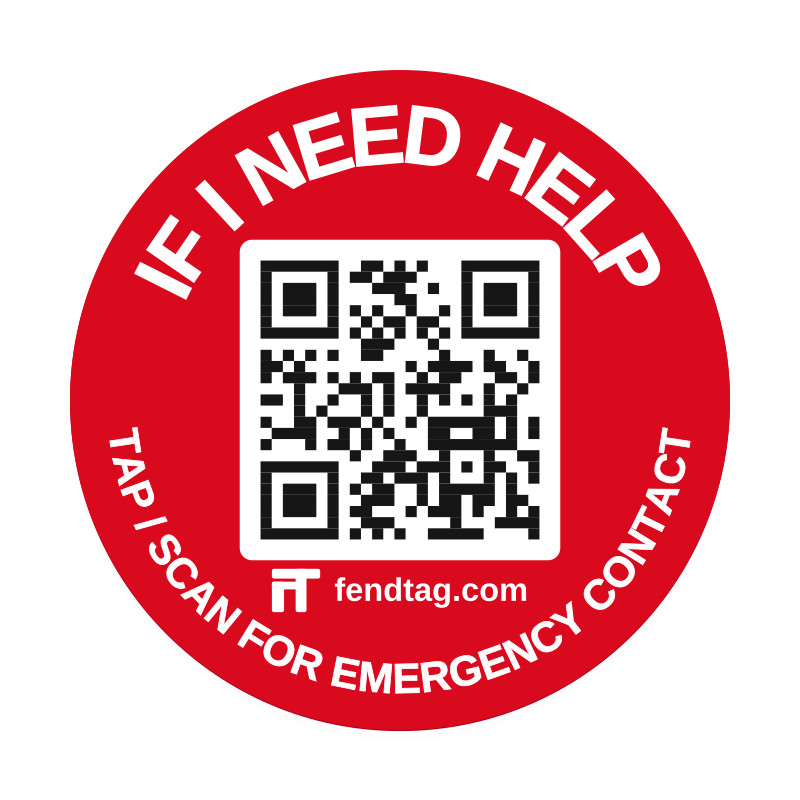
Make it yours
2 Emergency Tag stickers, 35 mm each
Ordering opens at launch. Your basket does not reserve stock.
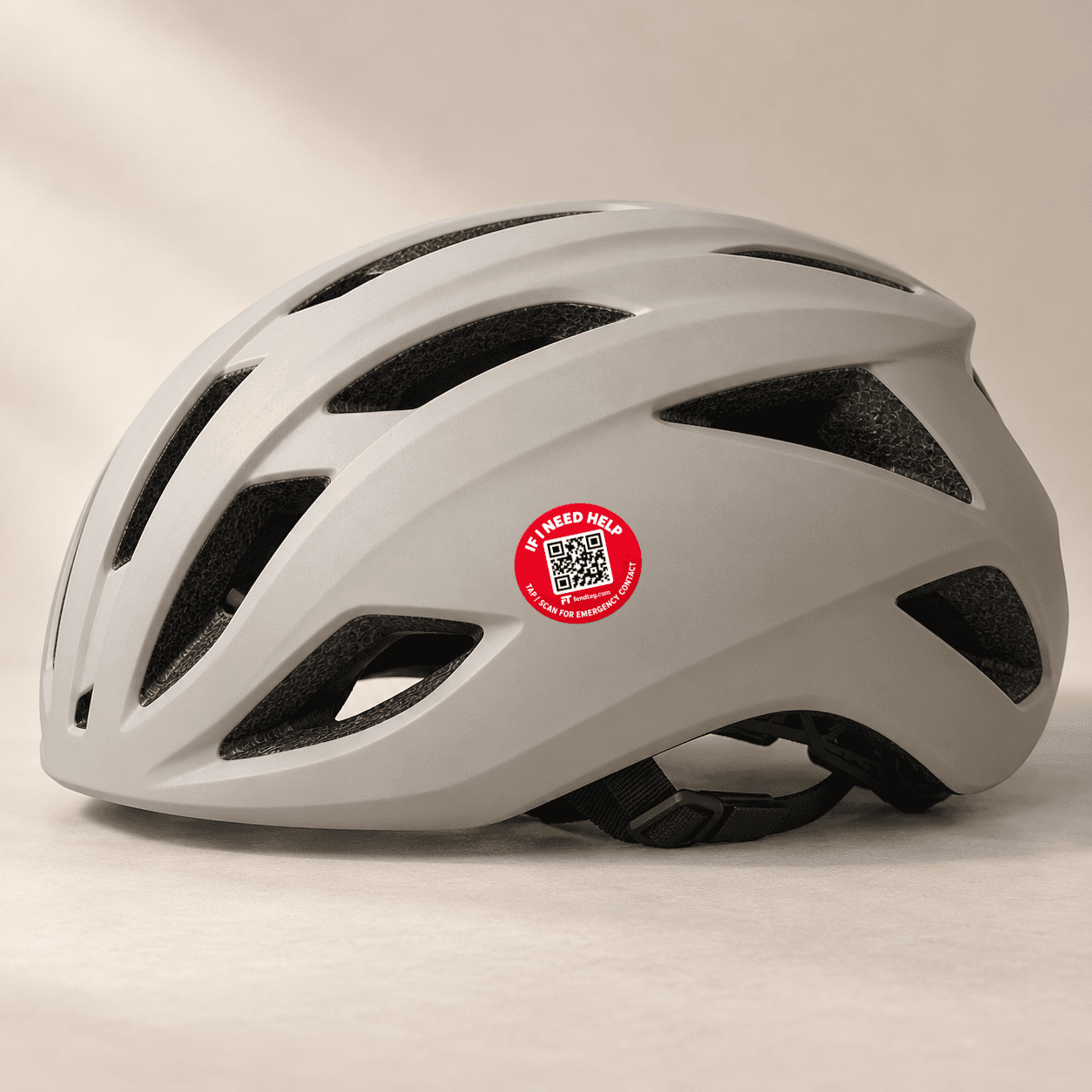
See how it works
Explore the page a helper opens, then try the owner’s controls.
A tap or scan opens the contacts you choose to share.
Your choice, clearly shared
Emergency contacts you add are visible to anyone who opens the tag link. This includes chosen names, numbers and notes. Share those details with your contacts’ permission.
The Call button opens a phone’s dialler. The helper chooses whether to call. It does not tell FendTag that a call connected.
Keep your chosen contacts and notes current. Edit the page or pause it from your account.
In your account
Choose the name, contacts and notes shown on each Emergency page. Keep them up to date and pause a page when you need to.
Emergency Tag
Optional opening alerts refer to tag-page openings, not every physical NFC tap or QR scan.
Go to your accountBasic is included. Pro subscription purchasing is not currently available.
Explore ProGetting started
Choose a visible place on your helmet. Follow the helmet manufacturer’s advice about stickers and the fitting guidance supplied with your tag.
We email activation details when your tags are dispatched. Sign in or create a free account, then activate each tag separately.
Add up to two phone contacts and notes for helpers. Anyone with your public link can see the details you share.
The helper chooses a contact. A Call button opens the phone’s dialler; the helper decides whether to place the call. FendTag does not confirm that a call was connected.
Anyone with the public tag link can see the contacts and phone numbers you choose to share. Call buttons do not make the underlying numbers confidential.
Up to two, with the same limit on Basic and Pro. You can edit their details and notes from your account.
No. They can tap with a compatible NFC phone or scan the QR code with their camera. An internet connection is needed to open the page.
Yes. Pause or resume your Emergency page and update its name, contacts and notes from your account.
No. It does not detect emergencies or contact emergency services for you. In an emergency, call 999 first.
Your chosen contacts are visible to anyone with the tag link. A compatible phone and internet connection are needed for the web page. FendTag is not GPS or automatic crash detection and does not call emergency services automatically or confirm a connected call. In an emergency, call 999 first.
Emergency privacy and safetyMake it yours
2 Emergency Tag stickers, 35 mm each
Ordering opens at launch. Your basket does not reserve stock.