
One small tag. A simple way to connect.
Tap with a compatible phone or scan the QR code. FendTag opens in the browser, with no app to download.
Set it up once. Keep it up to date.
- 01
Choose your tags.
FendTag Gear Tags for your items or FendTag Emergency Tag for your contacts.
- 02
Open your activation email.
We send your activation details when your order is dispatched. Sending a gift? They go to your chosen recipient.
- 03
Activate and add your details.
Sign in or create an account, activate your tags and check their tag pages with a tap or scan.
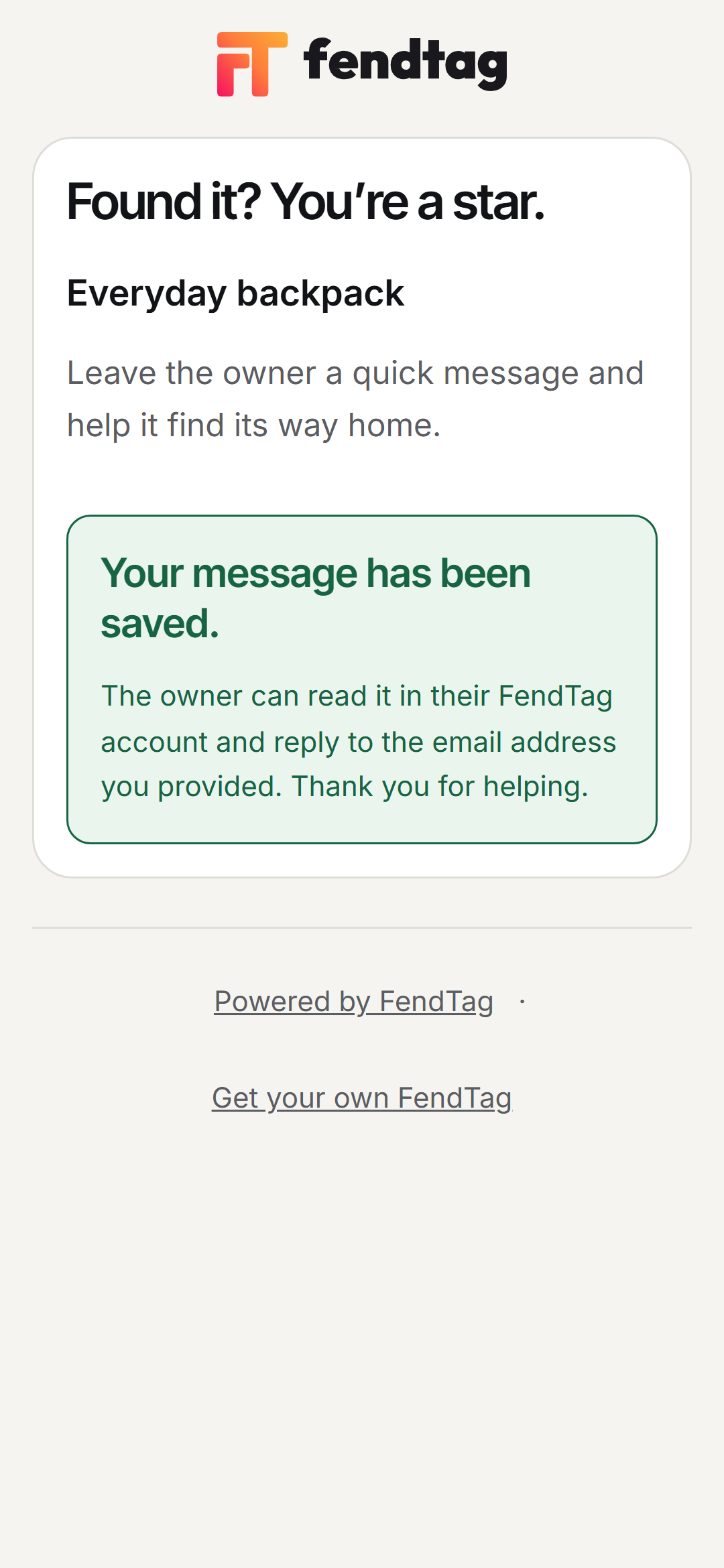
Found something? Send a message.
A finder opens the page for your FendTag Gear Tags and sends you a message. You receive an email notification and can read the message in your account. Your email address and phone number stay off the public tag page.
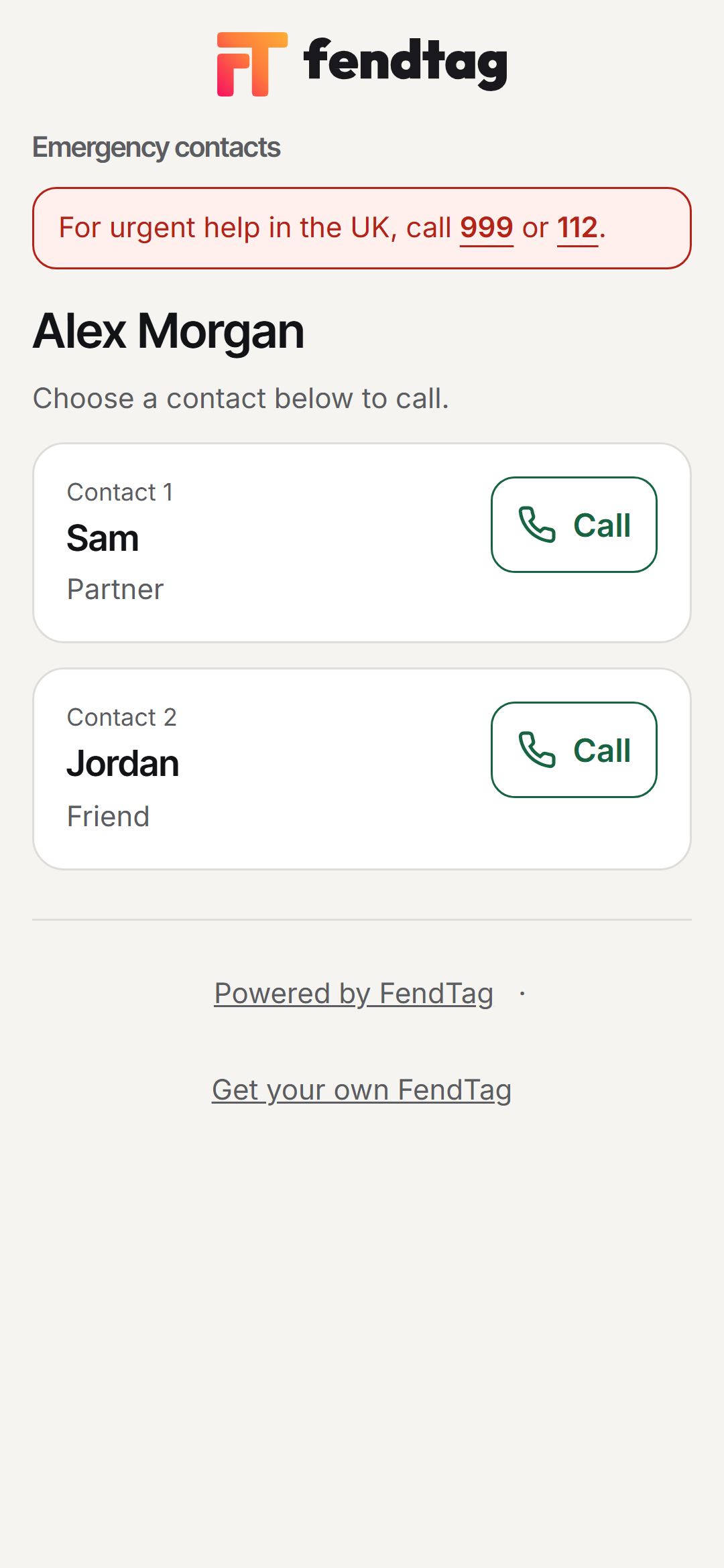
Need to reach an emergency contact?
The FendTag Emergency Tag page shows the contacts you chose to share. Someone helping you can select a contact and call them directly.
A little more awareness with Pro.
Choose email alerts when your tag page is opened.